
Powerschool Knowledge Article
Created Date: December 30, 2016
Created Date: December 30, 2016
How to Create a Guardian Account in PowerSchool
1. Access the PowerSchool website of your student (https://schoolname.powerschool.com/public)
2. Click on Create Account

3. Fill out the information needed:
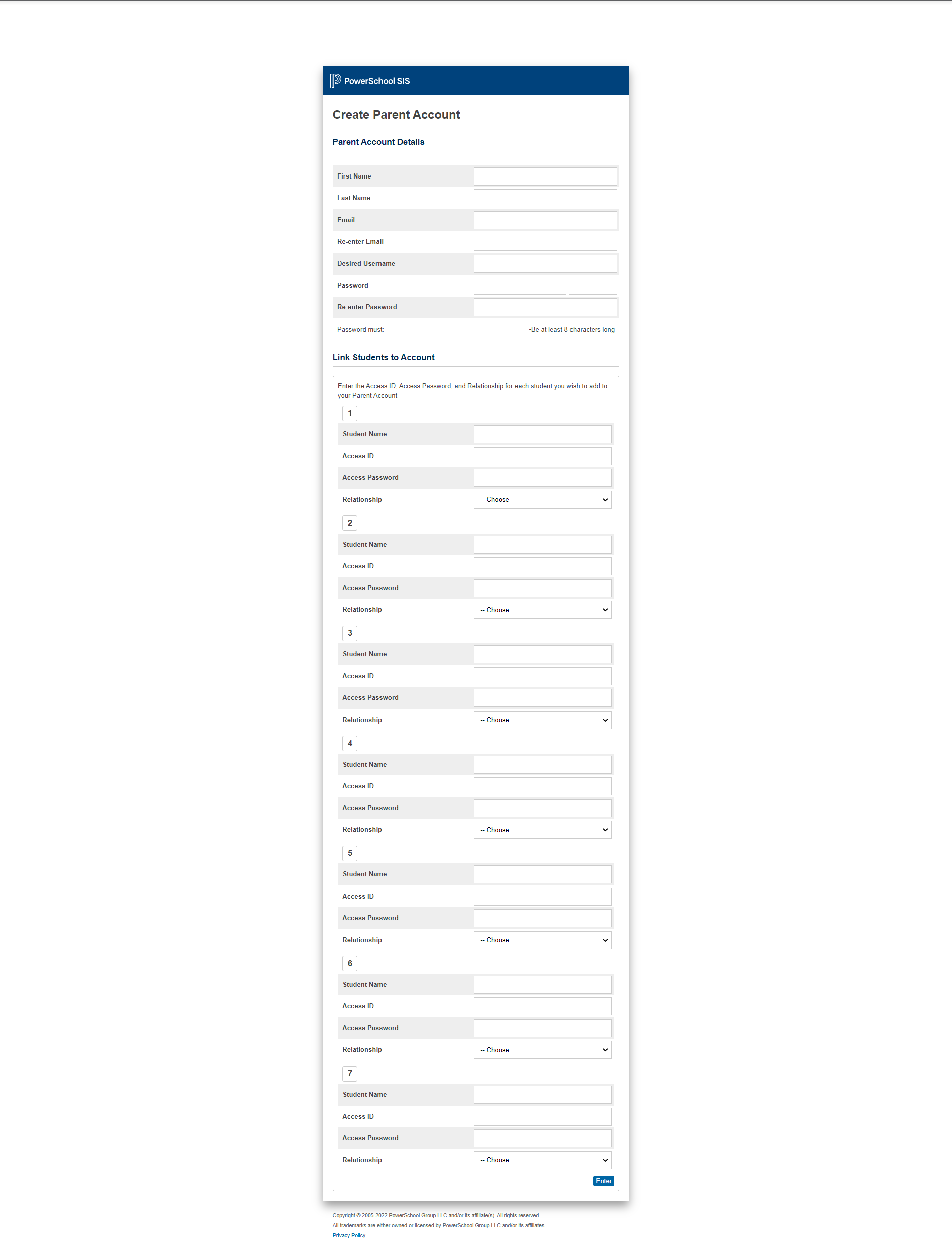
Access ID should be: the one provided by the school / can be found in the student's account
Access Password should be: the one provided by the school / can be found in the student's account
*** If access ID and password is unknown, please contact the school for assistance.
4. After filling out the information, click on Enter at the bottom of the page.
5. Go back to the PowerSchool website and sign in using the created username and password.
For any questions, please send an email to the support team.