
- Go to http://dashboard.puredata.io/
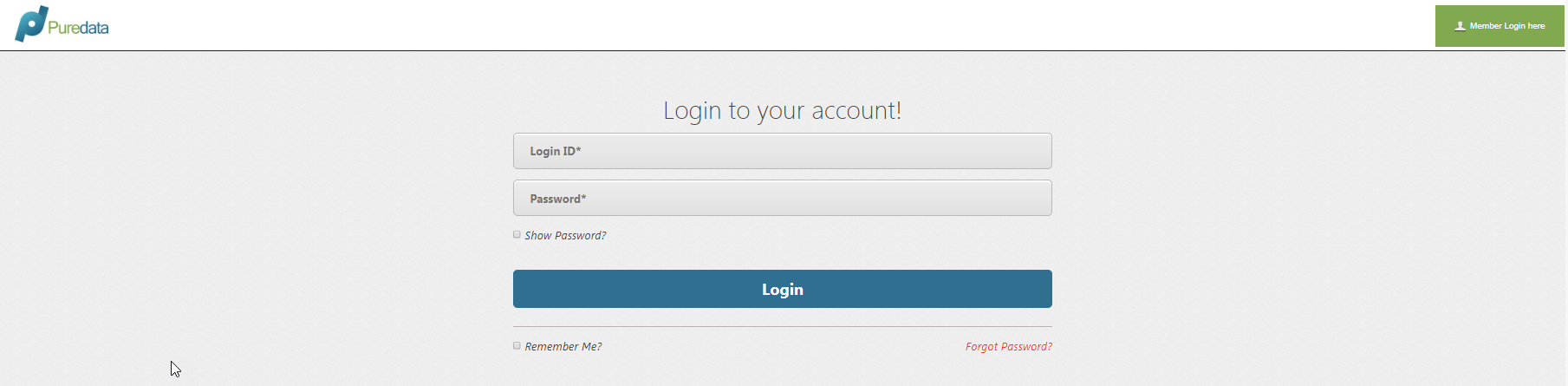
- Login to your account
- Once logged in, click the drop down arrow beside your name/ username

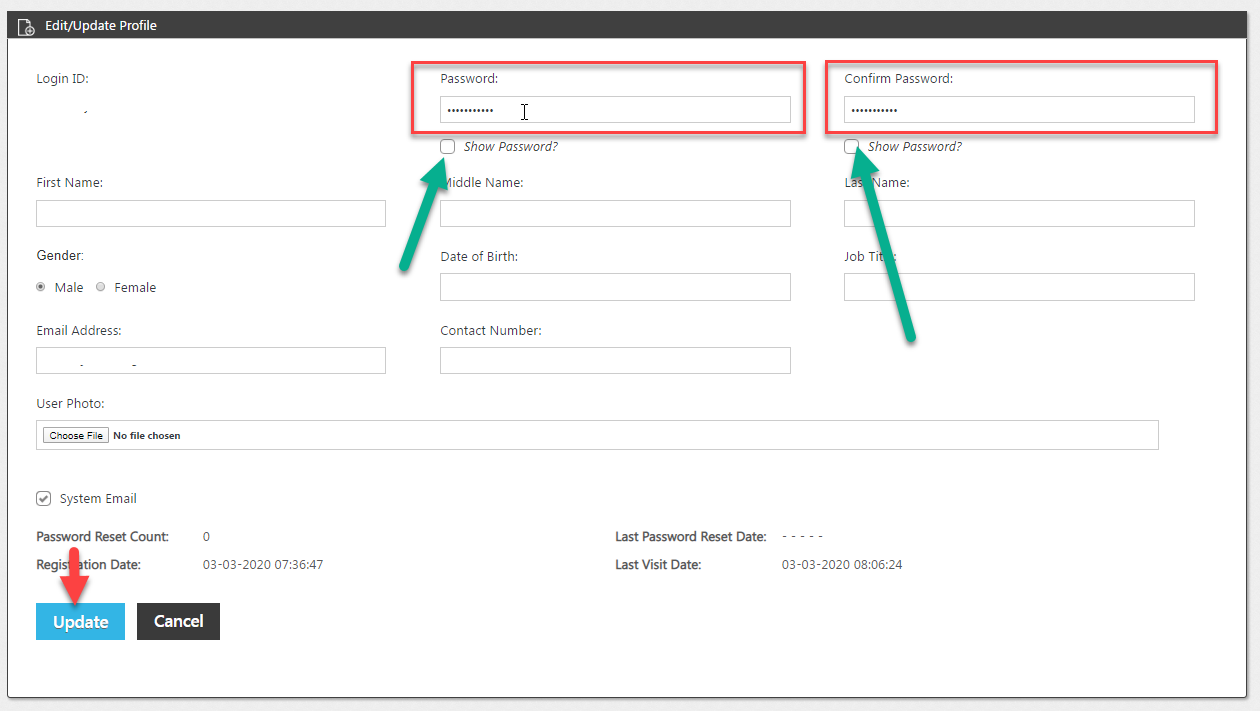
- Select My Profile

- Delete the dots under the Password and Confirm Password fields and enter your desired password.
- Password security tip:
- At least 8 characters long
- Contains at least one uppercase and one lowercase letter
- Contains at least one letter and one number
- Contains at least one special character
- Password security tip:
- Click Update.
Questions?
Email our support team here.