To reset your Puredata Dashboard password:
- Go to http://dashboard.puredata.io/
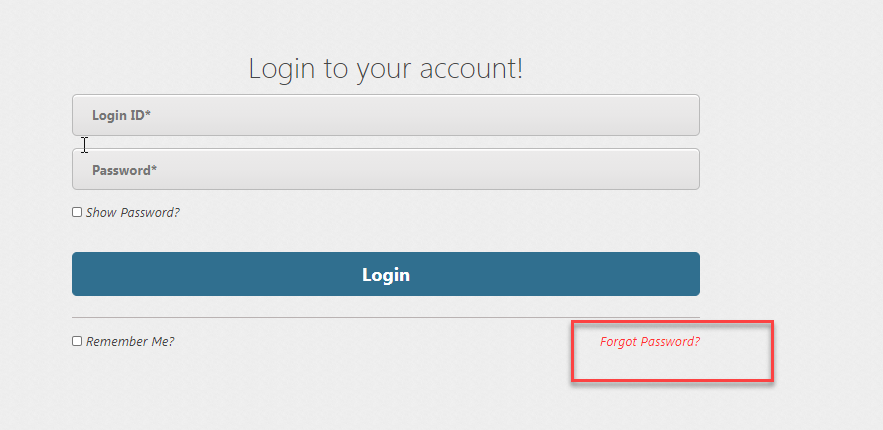
- Click Forgot Password Link
- Choose either Email Address of Login ID:
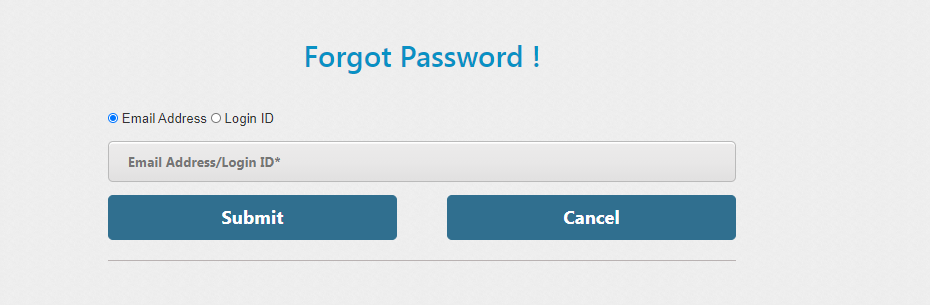
- If you chose Email address option, enter your email address in the field and click Submit.
- If you chose Login ID option, enter your login ID / username in the field and click Submit.
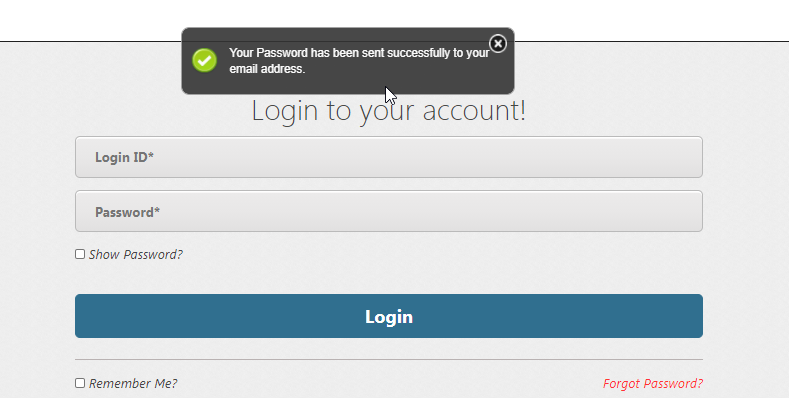
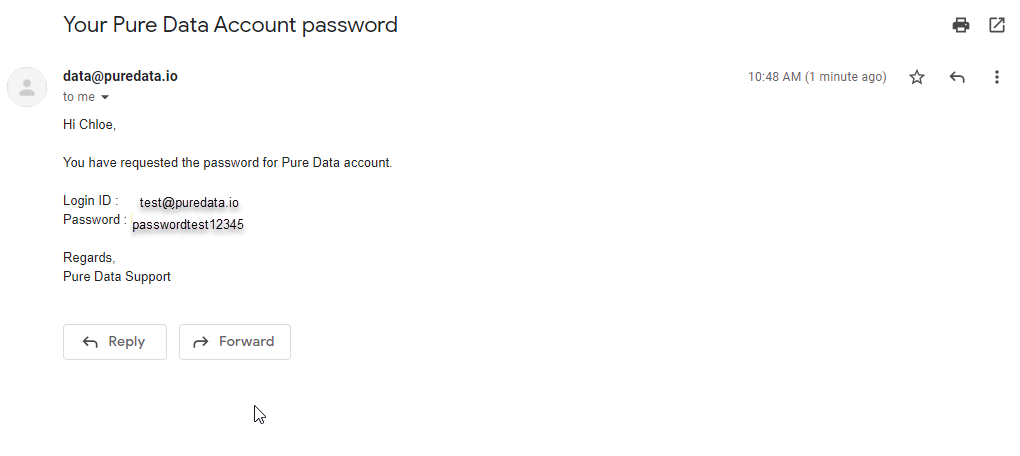
- Your password will be sent to your registered email account