Powerschool Knowledge Article
Created: 10/11/2016
Quick Reference Guide
In this article, you should be able to learn how to export students' login information via PS Admin.
Exporting Students' Login Credentials
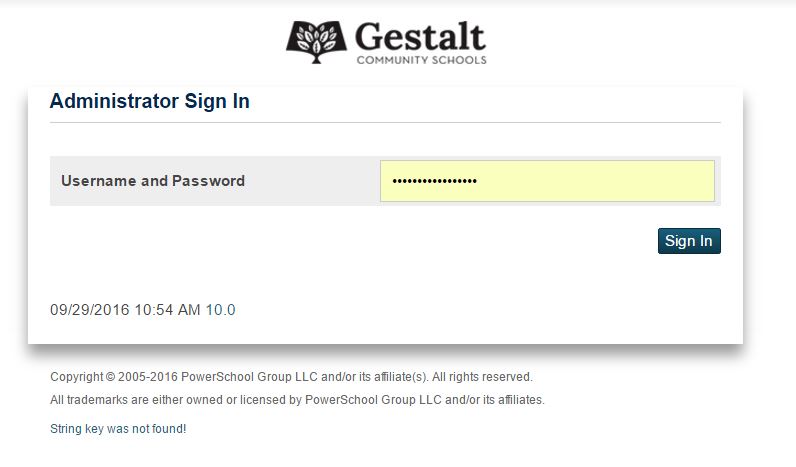
1. Login to PS Admin
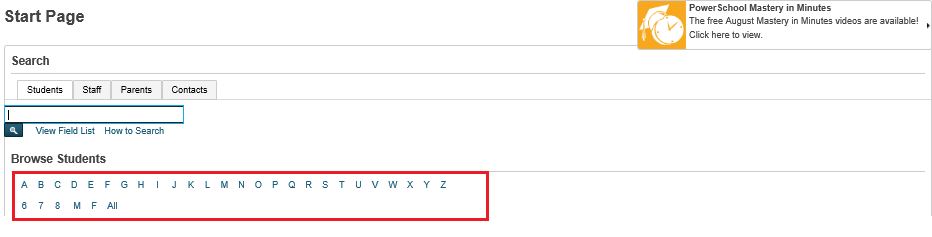
2. Select the students according to categories
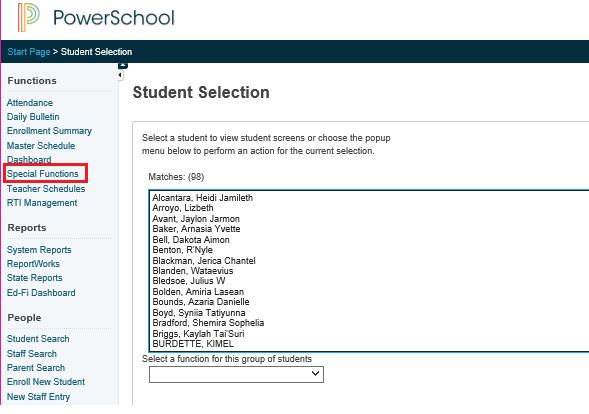
3. Go to Special Functions
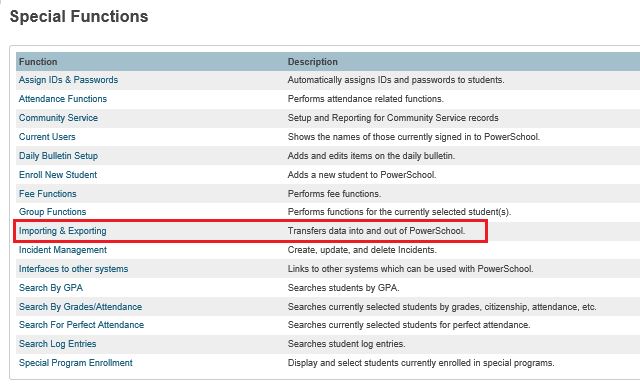
4. Select Importing and Exporting
5. Under Exporting, select Export Using Template
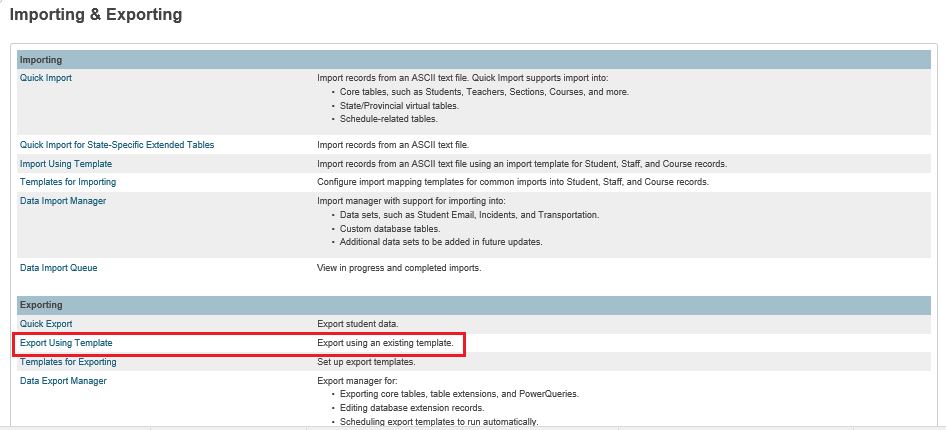
6. Select Students for the Type of Export
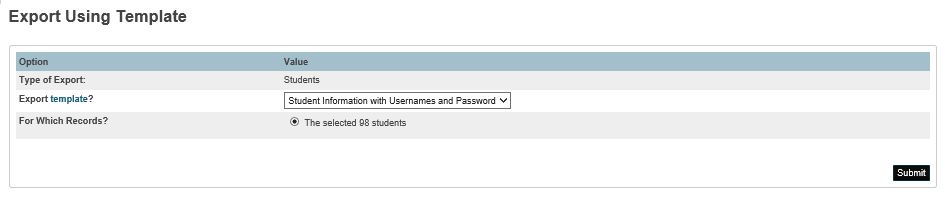
7. Select Student Information with Usernames and Password for the Export Template and make sure that All students are selected under For Which Records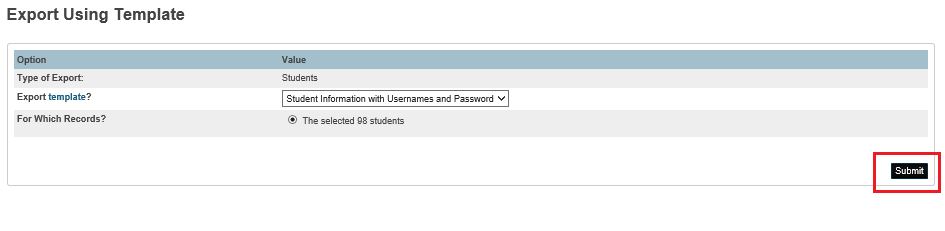
9. Click Submit
10. File will be downloaded, click open or save to open / save the export file.

Still need assistance? Click here to report your issue
© PureData Inc
www.puredata.io | 5875 N Lincoln Ave, Chicago, IL, 60659